

My projects are not syncing across devices. I can see the project name but it is blank when I open it from another device. I have Capcut pro

Hi,
Let us walk through the most common reasons CapCut projects show up blank on another device and how to fix them.
CapCut Pro should sync fully, so when you only see the project name with no content, it usually means the cloud project didn’t finish uploading or the assets didn’t sync.
What’s probably happening
CapCut syncs the project shell first (name + metadata), then uploads:
-
timeline data
-
clips
-
effects
-
fonts
-
audio
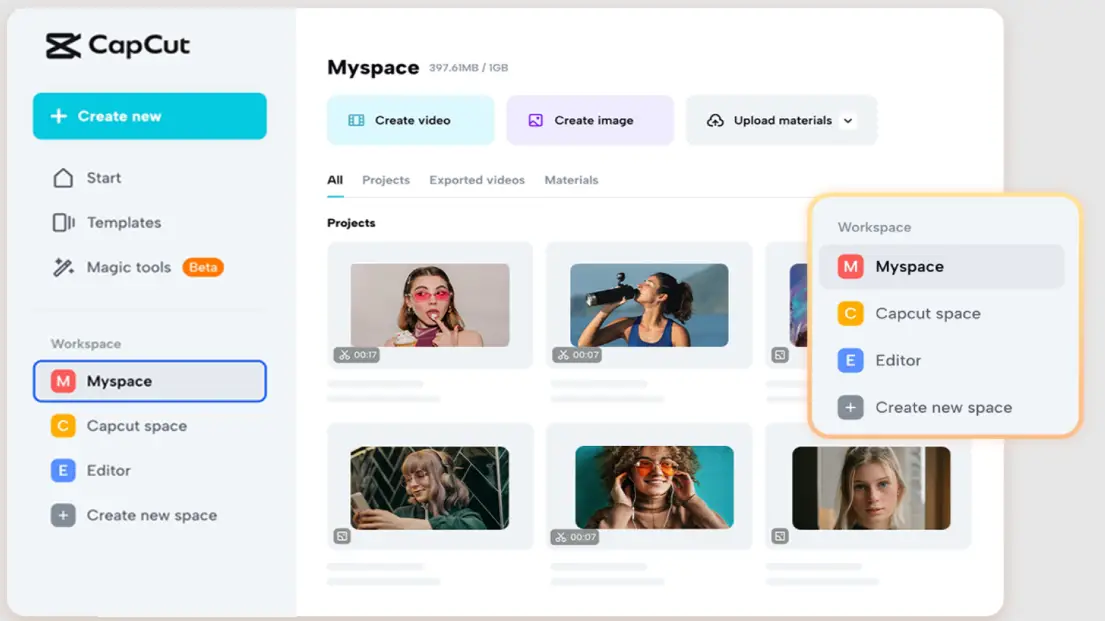
If that second part fails → you get a blank project on other devices. (see image below)
1. Make sure the project is actually uploaded
On the device where the project was created:
-
Open CapCut → Projects
-
Look for a cloud icon or “Uploading / Not synced”
-
Tap the project → wait until it says Synced or 100% uploaded
If you close the app during upload, it often looks synced but isn’t.
2. Confirm you are logged into the same account
Sounds obvious, but this is the #1 cause:
-
Same login method (Google / Apple / TikTok / email)
-
Same region (CapCut sometimes treats regions separately)
Go to Profile → Account on both devices and double-check.
3. Check cloud storage limits (yes, even on Pro)
If cloud storage is full:
-
Project name syncs
-
Media does NOT
Check:
-
Profile → Cloud Space
-
Delete old cloud projects
-
Then reopen the original project and let it re-upload
4. Manually force a re-sync
On the original device:
-
Open the project
-
Make a tiny change (move a clip 1 frame)
-
Exit project
-
Keep CapCut open + Wi-Fi on for 2–3 minutes
This retriggers a broken upload.
5. Asset location issue (VERY common)
If the project uses:
-
Local files
-
Downloads folder
-
External storage (SD card, Files app, iCloud-only files)
CapCut may sync the timeline but not the media.
Fix:
-
On the original device → Export the project as a Cloud Project
-
Or re-import media from a local, always-available folder
If it STILL opens blank
This is a known CapCut cloud bug (sadly common lately).
Workaround that actually works:
-
Export the project as:
-
CapCut Project Package (.ccproj)
-
or export the video and re-edit
-
-
Or duplicate the project → sync the duplicate
Can you answer the below questions to help you answer better:
-
iOS, Android, Windows, or Mac?
-
Does the original device still open the project correctly?
-
Does the cloud icon show completed or spinning?